To begin trading on the Rails platform, you must first deposit funds into your account. Sandbox runs on the Stellar testnet, and deposits and withdrawals are made in USDT (USDT-GBKQC2DYQSYAYSZGPMGK226QDEYU3HNTOBKQW3V2S2T7US5LJIN6TKLW) through the Freighter Wallet from Stellar.
Please contact institutions@rails.xyz and provide your wallet address to receive test USDT funds for Sandbox deposits.

Connect Your Wallet

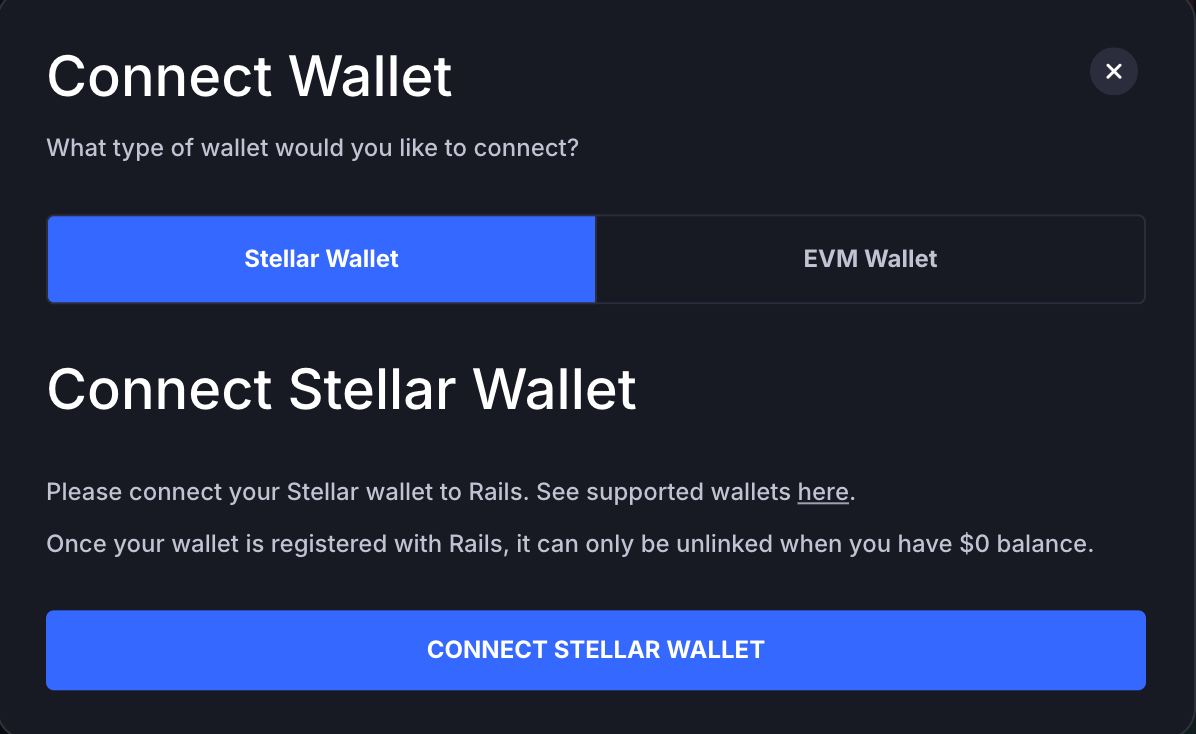
First, click the Connect Wallet button in the top right corner of the Rails UI. Connect Wallet button in the top right corner The Connect Wallet modal will appear. Select and connect your Stellar wallet. Connect Wallet modal with Stellar wallet option

Deposit

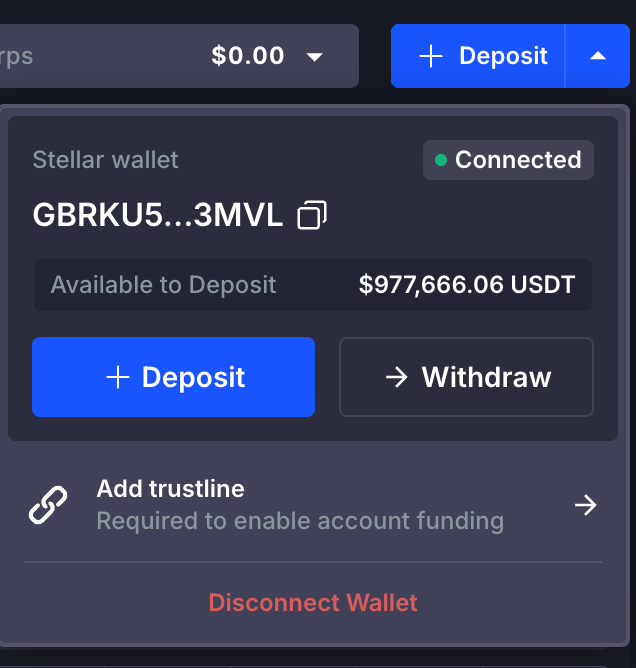
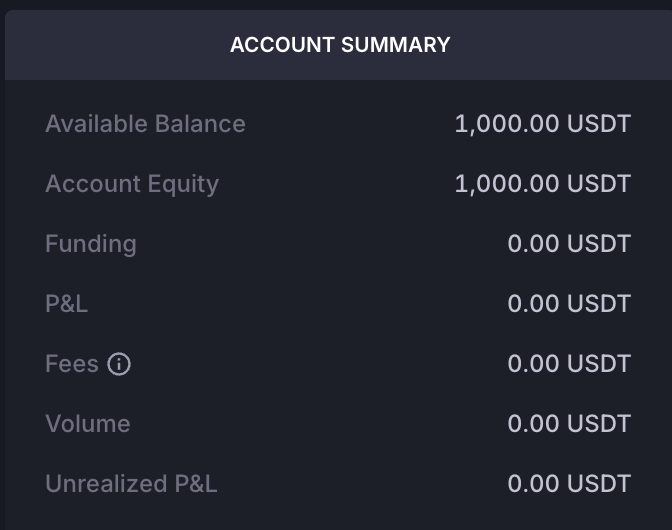
Once your wallet is connected, a Deposit dropdown button appears in the top right corner. Click it to open the deposit view. Deposit dropdown view On Stellar, a wallet can only receive tokens for which a trustline has been established. If you have not already added the USDT trustline, click the Add trustline link to add it. Once the trustline is in place, click Deposit and follow the guide in the modal to complete the process. When the deposit is complete, your funds appear in the Account Summary section in the bottom right of the Rails UI. Account Summary showing deposited funds
Withdraw

To withdraw, click the Withdraw button next to the Deposit button and follow the guide in the modal to complete the process.