

API keys are only available to Business and Market Maker accounts. If your account is not registered as one of these account types, the API Key Management option will not be available.
Create a New API Key
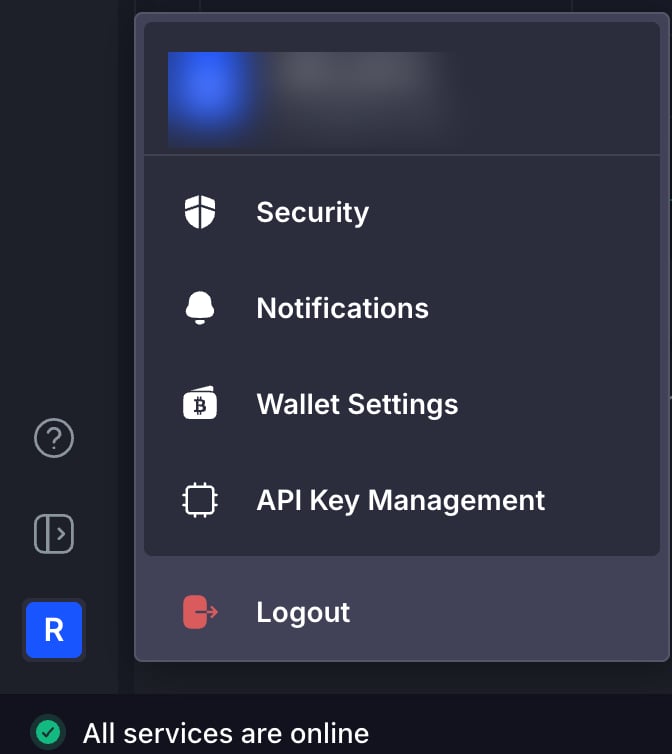
- Click your profile icon in the bottom left corner of the Rails UI, then select API Key Management from the menu.
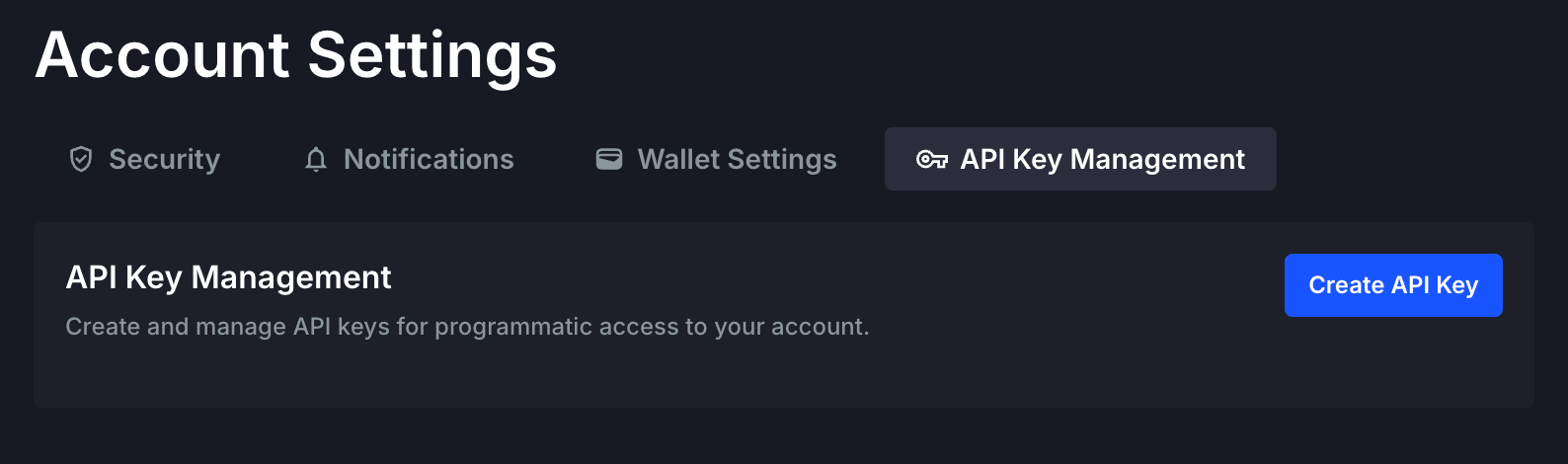
- On the API Key Management screen, you will see your existing API keys and the option to create a new one. Click the Create API Key button.
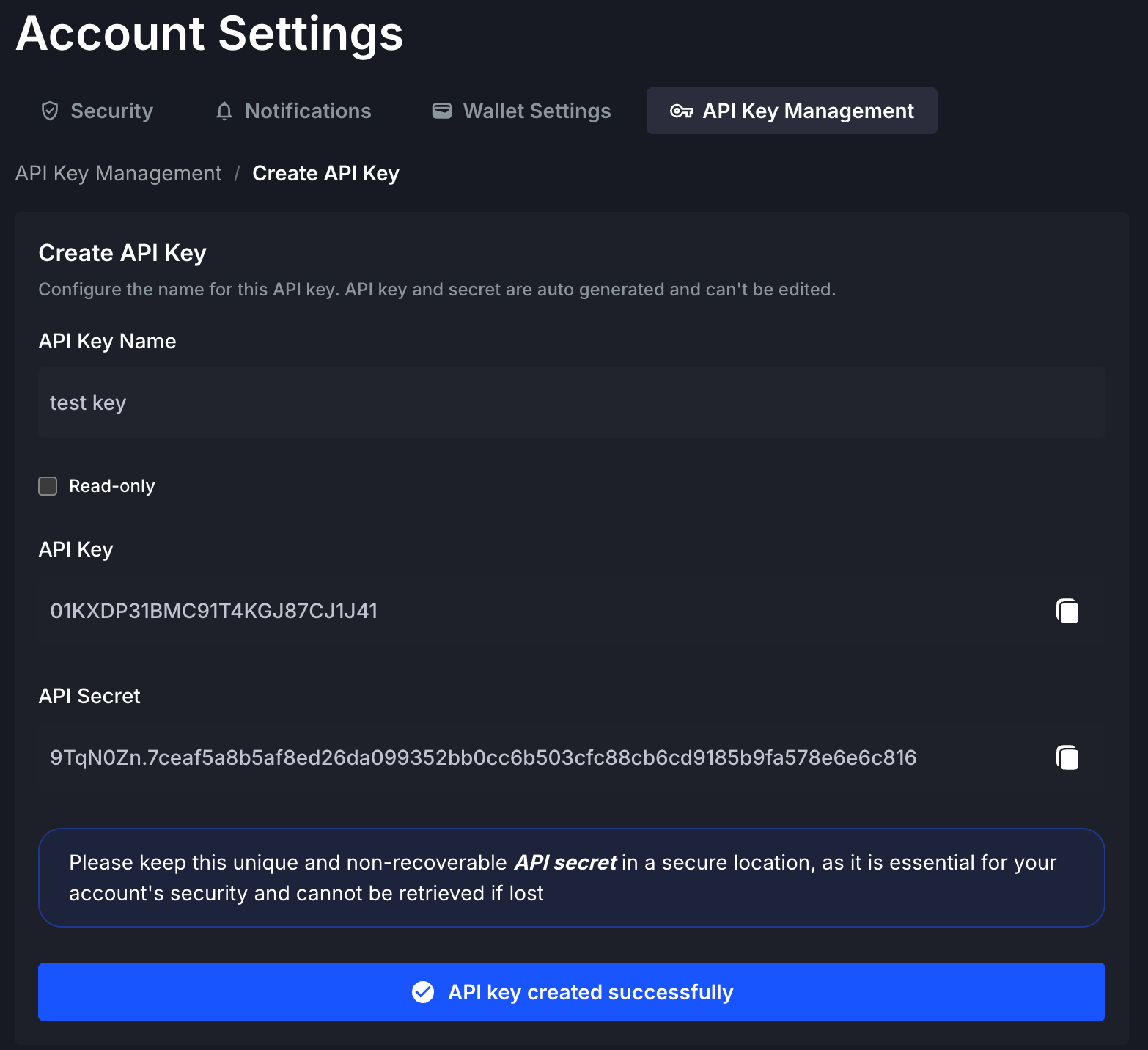
- Provide a descriptive name for your new key in API Key Name, then confirm by clicking Create API Key.
When creating an API key, you may select the read-only option. Read-only API keys can only access the following read endpoints across both Perpetuals and Options:
Perpetuals
- Get Balances
- Get Open Orders
- Get Order By ID
- Get Completed Orders
- Get Positions
- Get Deposits
- Get Withdrawals
- Get Fundings
Options
Attempting to access any other endpoints or WebSocket features with a read-only API key will result in a 403 Forbidden error.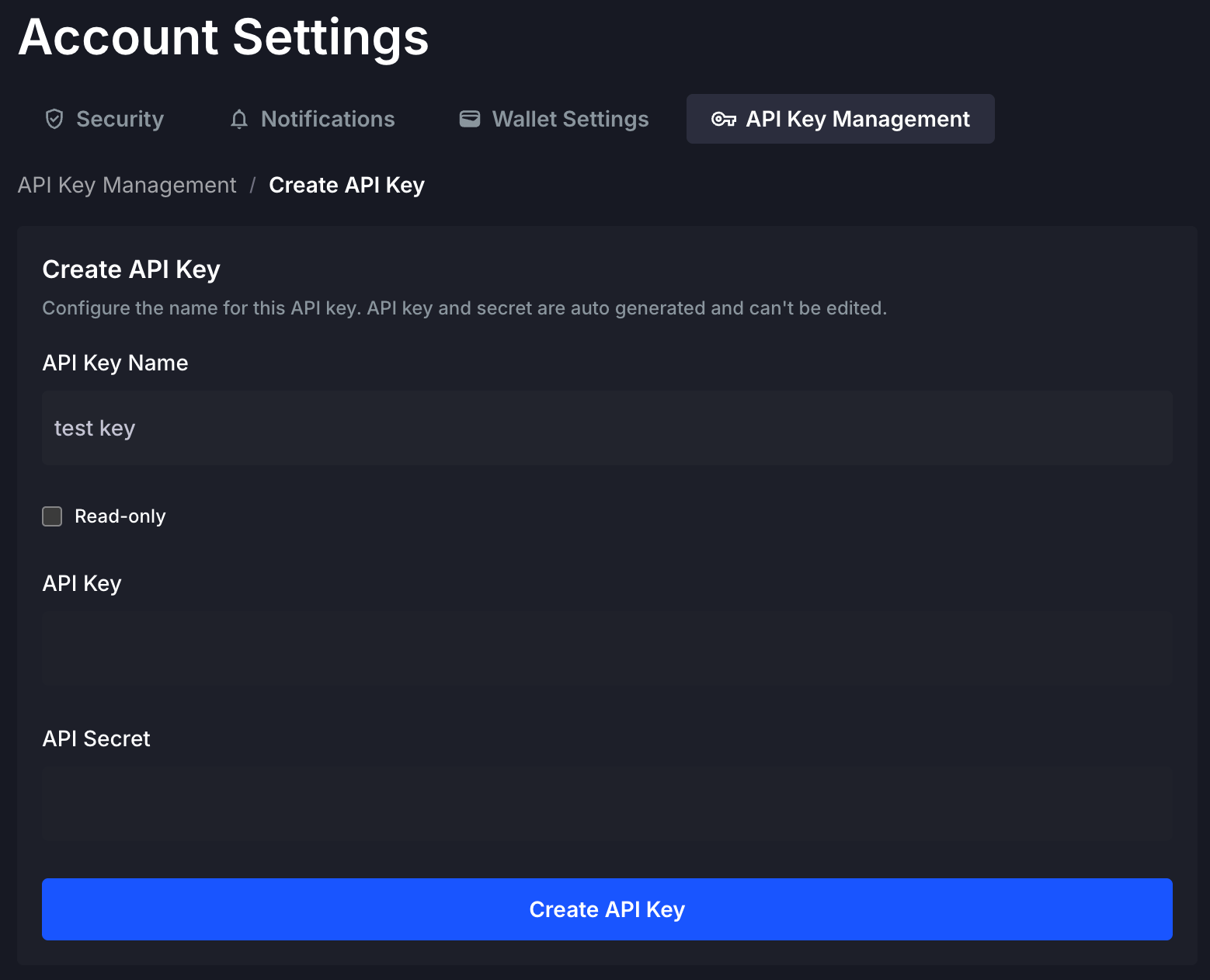
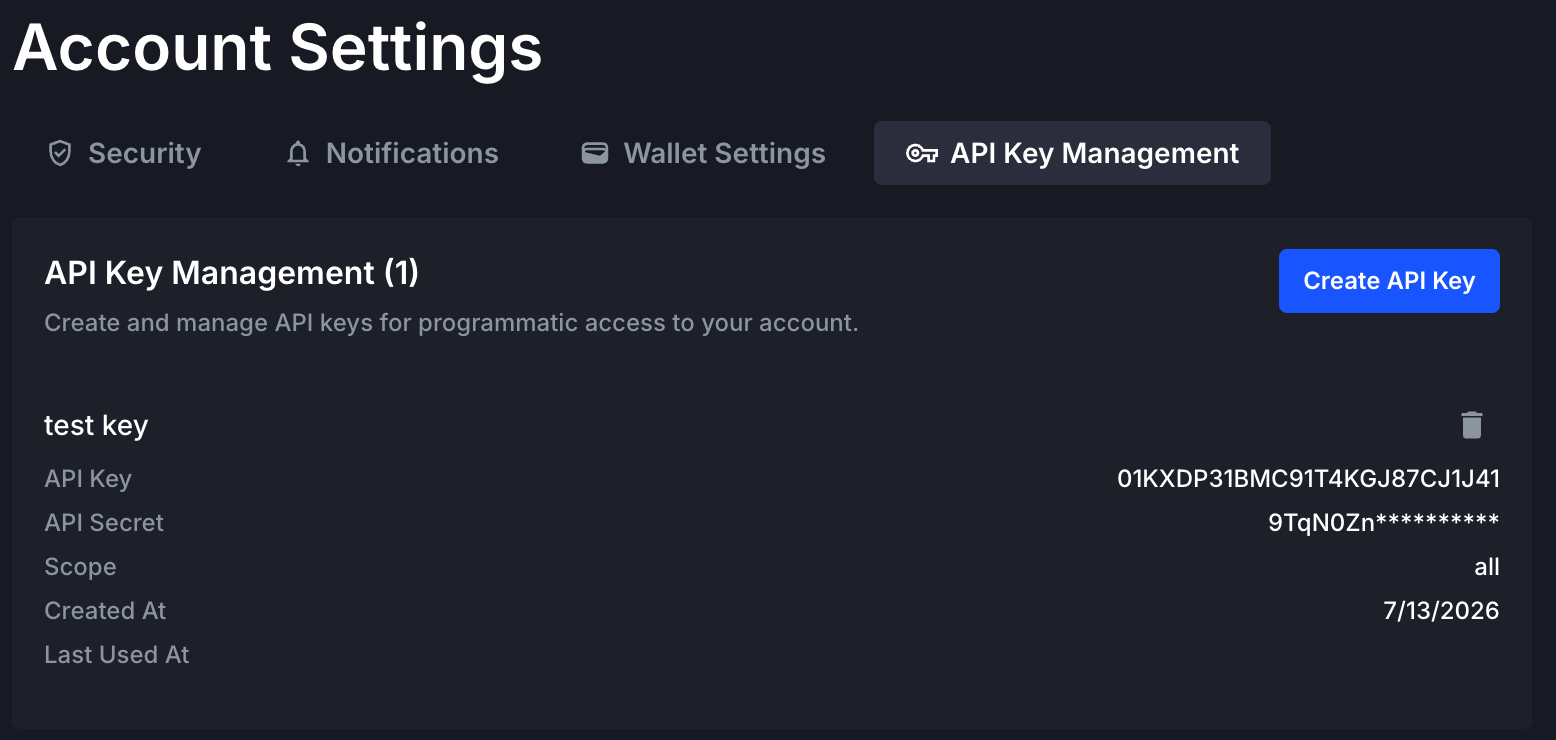
Revoke an Existing API Key
If an API key is compromised or you wish to rotate your keys periodically, click the “trash can” icon to revoke it. Once revoked, you may generate a new API key by following the steps above.Use an API Key
API keys (key and secret) are used to obtain a short-lived access token for authorizing with the Rails APIs. For details, refer to the Get Access Token endpoint. Security best practices:- Always access your API secrets securely (e.g., via environment variables).
- Never commit your secrets to a code repository.